CR2 vs JPG: Why Professionals Shoot in RAW?
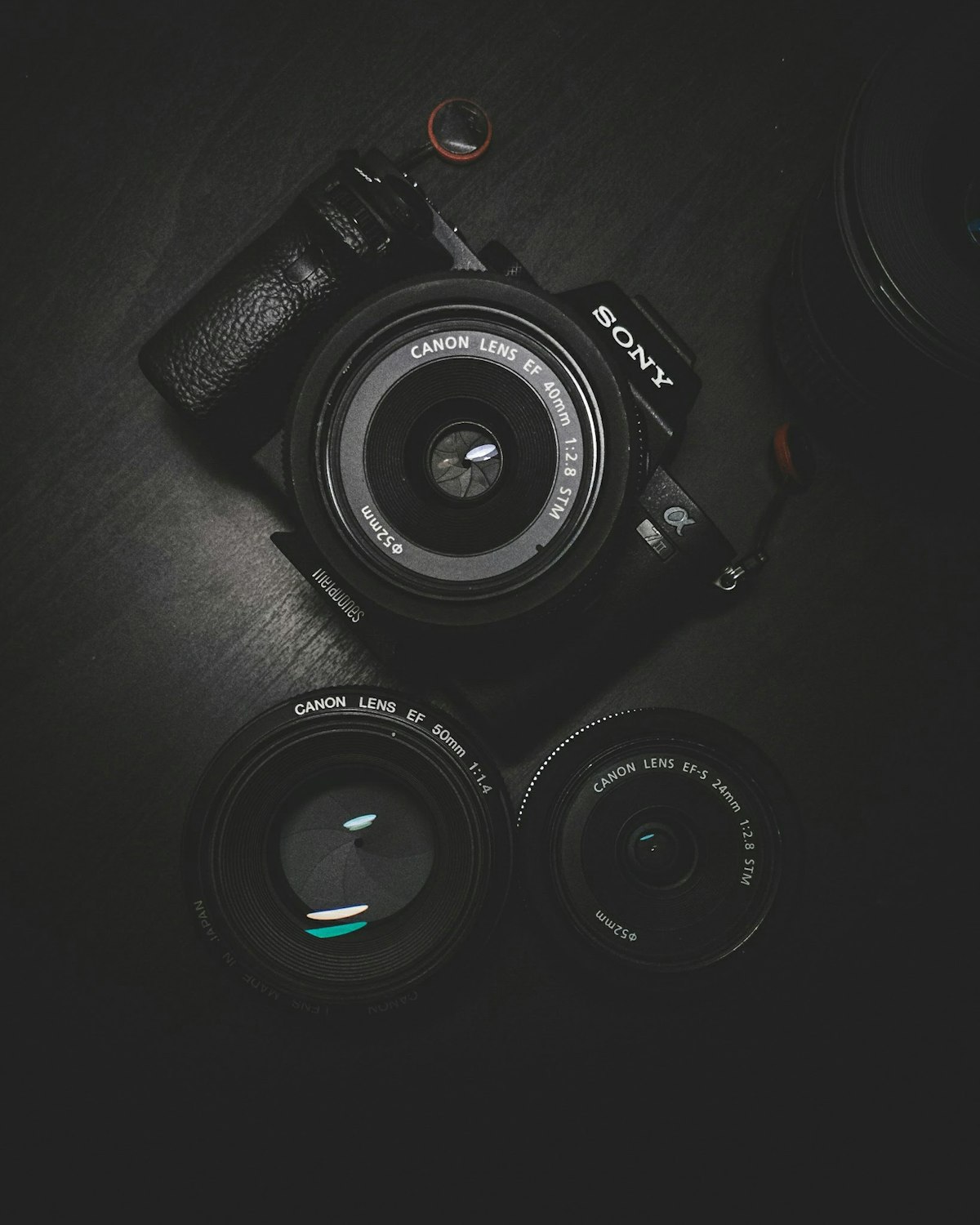
If you've recently bought a Canon DSLR or Mirrorless camera, you might have noticed a file format called "CR2". Unlike the familiar JPG, these files are huge, don't open in every app, and are hard to share. So, why do professional photographers insist on using them?
The Technical Anatomy of a CR2 File
Before diving into the workflow differences, it is crucial to understand what exactly a CR2 file is at a technical level. CR2 (Canon Raw Version 2) is a proprietary format created by Canon, based roughly on the TIFF image specification. When a digital sensor is exposed to light during the shot, millions of sub-pixels record the intensity of red, green, and blue light separately. In a standard JPG workflow, the camera's internal processor immediately takes this raw matrix of numbers, applies the camera's current white balance, saturation, sharpening, and noise reduction settings, compresses the result (discarding data in the process), and yields a final JPG.
When you shoot in CR2 RAW, the camera skips the internal processing step entirely. It simply dumps the pure 12-bit or 14-bit data from the sensor directly onto the memory card. This means a CR2 file holds literally millions of times more color data than an 8-bit JPG. For instance, a standard JPG can display 256 levels of brightness per color channel, resulting in about 16.7 million total colors. A 14-bit RAW file can record over 16,384 levels of brightness per channel, allowing for over 4.3 trillion potential colors.
Dynamic Range and Editing Flexibility
The primary reason professional photographers endure the bloated file sizes of RAW imagery is due to Dynamic Range. Dynamic range is the ratio between the darkest shadows a camera can capture and the brightest highlights. Often, when shooting high-contrast scenes like a sunset or a dimly lit church with glowing windows, the camera sensor will struggle to balance both extremes.
If you take this photo in JPG format, blowing out the highlights (like the sky turning completely white) often means the detail is permanently destroyed. You cannot recover a white pixel in a JPG file. However, if the same image is captured as a CR2 file, the extreme highlights and deep shadows are typically still present as dormant data. Using RAW processing software, a photographer can dynamically dial down the highlights and push up the shadows, rescuing an otherwise unusable photograph.
The Drawbacks: File Size, Storage, and Compatibility
With great power comes great logistical challenges. CR2 files present three distinct problems for the modern creative:
- Enormous File Sizes: A modern 24-megapixel sensor will produce CR2 files averaging 25MB to 40MB each. A single wedding shoot can easily generate 3,000 photos, taking up over 100 Gigabytes of storage space for just one event.
- Proprietary Decoding: You cannot simply open a CR2 file on any older device, web browser, or directly post it to social media. They require specialized RAW decoding software or specific operating system codecs to be viewed. Every time a new camera model is released, the CR2 structure changes slightly, requiring software vendors to push updates so their programs can read the new files.
- The Sharing Bottleneck: Clients cannot open RAW files easily, nor do they want to deal with massive downloads. Photographers are forced to establish a robust conversion pipeline to transform these giant digital negatives into web-friendly JPGs before client delivery.
Why Avoid Free Online Converters?
When faced with a folder of 100 CR2 files that need sharing, many beginners turn to Google and search for "CR2 to JPG converter online free." While this might work for converting a single document, using cloud tools for RAW photography is a recipe for disaster:
- Aggressive Compression Algorithms: Free web tools pay for massive server costs. To keep their processing overhead low, they typically use highly aggressive JPG compression. You might spend thousands of dollars on expensive lenses, only to have an online tool compress your final image into a muddy, artifact-heavy mess.
- The Upload Bottleneck: Uploading 3 Gigabytes of RAW files via a standard home internet connection can take hours. If your internet stutters, you often have to restart the entire batch process.
- Severe Privacy Risks: In an era of rampant data scraping, uploading unwatermarked, high-resolution original photography to anonymous overseas servers is incredibly dangerous. Many “free” services include terms hidden in their privacy policies allowing them to train AI models on user uploads or farm metadata.
The Solution: RawNova
This is why we created RawNova. It's a high-performance desktop tool that uses your computer's power to convert CR2 files to JPG or PNG in seconds—not hours. No upload required, no quality lost.